
You've seen the notification before: "Your password will expire in 7 days. Please update it now." Most employees groan, close the popup, and put it off until they're locked out. Then they change their password to something like "Summer2026!", just different enough to get through the filter, just predictable enough to get them in trouble.
Password reset policies have been a cornerstone of corporate security for decades. But the cybersecurity world is now openly divided on whether they actually help, or whether they quietly make things worse. Here's an honest look at both sides.
Why Password Resets Became the Standard
The original logic behind forced password rotation made intuitive sense: if a bad actor steals your password, they have a limited window before that password expires and becomes useless. The shorter the expiration window, the smaller that attack surface.
This thinking drove decades of policy; and regulatory frameworks followed suit. PCI-DSS v4.0, for example, still requires service providers to change passwords at least every 90 days if a password is the sole authentication factor. Older HIPAA guidance, while not mandating a specific rotation schedule, has historically been interpreted to include periodic change requirements, with most covered entities following 90-day cycles as a de facto standard.
For years, the 90-day cycle became the universal default. Microsoft, NIST, and virtually every enterprise IT policy manual recommended it. The idea was sound in theory. The problem, it turned out, was human behavior.
The Case Against Routine Resets
People Don't Create Better Passwords
When forced to change a password on a schedule, most users don't invent a fresh, strong credential from scratch. They make the smallest change possible. Winter2025! becomes Spring2026!. Password1 becomes Password2. These patterns are not just predictable to humans. They're trivially predictable to automated attack tools.
Microsoft's own security team called the 90-day rotation policy "ancient and obsolete" when they removed it from their Windows security baseline in 2019. Their reasoning: if a password hasn't been stolen, there's no security benefit in changing it. And if it has been stolen, waiting 90 days for it to expire is not a real response. It's the absence of one.
The UK's National Cyber Security Centre (NCSC) reached a similar conclusion even earlier, publishing guidance in 2016 explicitly recommending against forced expiration. Their analysis found that frequent resets increase the likelihood of users writing passwords down, reusing credentials across accounts, and choosing weaker base passwords, introducing new vulnerabilities to replace the one you were trying to close.
A peer-reviewed study from Carnegie Mellon University (SOUPS 2018) examined self-reported password behavior under expiration policies and found that while users didn't dramatically increase insecure behavior, the replacement passwords they created were no stronger than the ones they replaced. You're paying the usability cost without getting the security benefit.
It's Expensive, In More Ways Than One
The financial cost of routine password resets is frequently underestimated. Gartner estimates the average cost of a single manual password reset at approximately $70, accounting for IT labor, employee downtime, and infrastructure overhead. Forrester research found that large organizations spend up to $1 million per year on staffing and infrastructure costs for password resets alone, and that figure doesn't include the productivity losses from employees waiting to regain access.
Scale those numbers: a 1,000-person organization with two resets per employee per year is looking at $140,000 annually, conservatively. Beyond the direct cost, there's a subtler operational impact: help desk teams burn significant time on reset tickets, which crowds out more meaningful security work. Password fatigue is real, and it breeds the kind of corner-cutting that creates risk.
NIST Has Officially Changed the Guidance
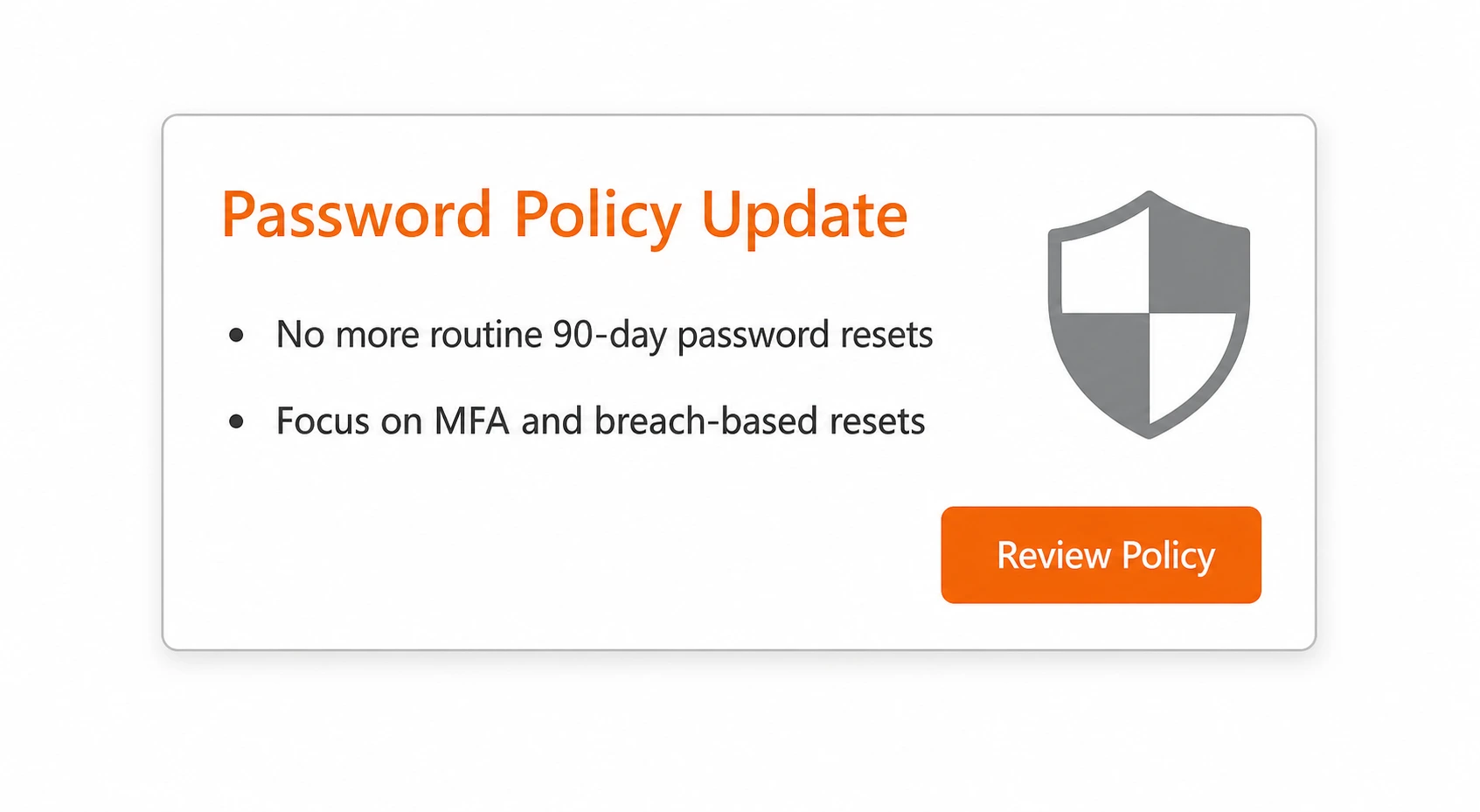
In August 2024, NIST released Special Publication 800-63B Revision 4. The previous version was formally withdrawn in August 2025. The updated guidance explicitly states that organizations "shall not" require arbitrary periodic password changes. Passwords should only be reset when there is evidence of compromise.
The guidance also shifts emphasis to password length over complexity, recommending a minimum of 15 characters and allowing passphrases up to 64 characters. Complexity rules, mandating uppercase letters, numbers, special characters, are dropped, because research shows they reliably produce predictable patterns like P@ssw0rd1! rather than genuine entropy.
Notably, Bill Burr, the NIST engineer who originally authored many of the traditional complexity and rotation rules, has publicly stated that his original guidance was a mistake. The field has changed course.
The Case For Keeping Password Resets
The Threat Landscape Is Worse Than Ever
Here's the uncomfortable counterpoint: while password rotation policy is being walked back, the volume of compromised credentials in circulation has never been higher. Check Point reported a 160% increase in compromised credentials in 2025. Infostealer malware added 1.56 billion fresh credentials to dark web repositories in 2025 alone, with an average of 547 saved passwords per infected machine. Have I Been Pwned has catalogued over 17.5 billion compromised accounts from hundreds of breaches.
If a user's password is sitting on a dark web dump and no one knows it, that credential is an active liability for as long as it remains valid. A rotation policy, however imperfect, creates an expiration horizon on that exposure. A stolen password from a breach six months ago is already useless if your policy required a change in that window.
Password Spraying Is a Real and Growing Threat
Password spraying is the attack that rotation policies were arguably most designed to counter. Unlike traditional brute force (many passwords against one account), spraying uses a small number of likely passwords against a large number of accounts while deliberately staying below lockout thresholds.
Microsoft estimates that more than a third of account compromises involve password spraying attacks. Attackers compile usernames from breaches and public sources, then pair them with commonly used passwords, including recently rotated ones that follow predictable patterns. The attack is low-effort, high-scale, and harder to detect than traditional brute force because it mimics normal login behavior.
This is particularly relevant for businesses: if an employee reused a compromised password from a personal breach, spraying can walk right into your corporate systems using those leaked credentials. Regular rotation, when paired with a breach-detection check, would have invalidated that credential before it became a vector.
Regulatory Compliance Still Demands It
Regardless of what NIST recommends, many compliance frameworks still require periodic rotation and non-compliance carries real consequences.
PCI-DSS v4.0 still mandates password changes at least every 90 days for service providers relying on password-only authentication.
FedRAMP and NIST 800-53 controls require password expiration for federal systems.
HIPAA doesn't specify a rotation schedule but expects documented password policies aligned with industry standards, and many auditors still reference older NIST guidance as their baseline.
Even as guidance shifts, businesses in regulated industries can't simply opt out of rotation policies until the specific frameworks they're audited against catch up to SP 800-63B Rev. 4.
Privileged Accounts Are a Different Story
The debate over password rotation for standard users does not apply the same way to privileged accounts. Domain administrators, service accounts, root credentials, and other high-value identities carry substantially higher risk if compromised. The security consensus remains that these accounts should be rotated frequently, in some cases after every use.
BeyondTrust, NIST, and others maintain that while ordinary user accounts benefit from less-frequent rotation, privileged credential rotation remains a genuine best practice. The distinction matters: a compromised standard user account is a problem; a compromised domain admin account is a catastrophe.
What the Research Actually Says
A careful read of the research reveals that the binary debate of "rotate passwords" vs. "don't rotate passwords" misses the point. The real finding is that rotation is a weak control when it's the primary control. Used in isolation, it causes more harm than good. Used as one layer in a defense-in-depth strategy, it has marginal but real value.
The 2018 Carnegie Mellon SOUPS study found that users under expiration policies didn't create dramatically weaker passwords on average, but they also didn't create stronger ones. The NCSC found that the indirect effects (writing passwords down, reusing across accounts) represent meaningful risk increases that offset whatever benefit rotation provides. Microsoft concluded that any legitimate security benefit from expiration policy is easily overwhelmed by the bad behavior it encourages.
The consensus isn't "rotation is useless." It's that rotation, applied uniformly to all users on a rigid calendar schedule, is the wrong tool for the job when better alternatives exist.
What Actually Works: A Modern Approach
If routine resets are out, what replaces them? The answer isn't a single control. It's a set of practices that together address the actual threat vectors:
1. Breach-Triggered Resets, Not Calendar-Based Ones
Require a password change immediately when evidence of compromise exists, and not at an arbitrary 90-day interval. This means monitoring credentials against known breach databases (such as Have I Been Pwned's API or enterprise tools) and forcing a reset the moment a match is found. This is where the actual risk lives.
2. Password Length and Passphrases
Enforce a minimum password length of 15 characters and encourage passphrases. A phrase like CorrectHorseBatteryStaple provides more entropy and is easier to remember than Tr0ub4dor&3. Length exponentially increases the difficulty of brute force attacks; complexity rules just encourage predictable substitutions.
3. Multi-Factor Authentication
MFA remains one of the strongest controls available, capable of reducing unauthorized access by approximately 99.9%. Even if a password is stolen, MFA blocks the attack, and phishing-resistant options like FIDO2/WebAuthn hardware keys eliminate the relay attacks that bypass basic MFA.
4. Password Managers
Organizations should provide enterprise password managers. Tools like Keeper and Bitwarden generate unique, random credentials for every account, eliminate reuse, and make users less likely to fall back on predictable patterns. Password managers address the root cause of most credential-based attacks: reuse and weak base passwords.
5. Behavioral Monitoring and Anomaly Detection
Instead of relying on rotation to limit the damage of a stolen credential, organizations should implement monitoring that detects when a credential is being abused: impossible travel, unusual login times, new device registrations, and access to atypical resources. This detects compromise in near real-time rather than hoping a stolen password expires before it's used.
6. Keep Rotation for Privileged Accounts
Maintain, and in many cases increase, rotation frequency for privileged accounts, service accounts, and shared credentials. Automate this wherever possible using Privileged Access Management (PAM) tools to generate credentials that users never need to know or remember.
The Bottom Line for Businesses
If your organization is still running a blanket 90-day password expiration policy across all accounts, you're likely spending money, burning user goodwill, and not getting commensurate security value in return.
But the answer isn't to flip a switch and eliminate all password policies. It's to replace a blunt, calendar-based control with a smarter, evidence-based one. Like a control backed by MFA, breach monitoring, and password manager adoption.
If you're in a regulated industry, audit your specific compliance obligations before making changes. PCI-DSS, FedRAMP, and similar frameworks may still require rotation regardless of what NIST recommends. Document your compensating controls and consult with your compliance advisor before modifying any policies that affect your audit scope.
The cybersecurity community has largely reached consensus: routine password resets are low-value for standard users when better controls are in place. The goal was never "rotate passwords." The goal was "prevent unauthorized access." There are now better tools for that job and adopting them is worth the transition cost.
Argus Cybersecurity and Support helps businesses evaluate their authentication policies, deploy modern identity controls, and close the gaps that credential-based attacks exploit. If you're not sure whether your current password policy is protecting you or working against you, request a security assessment.