
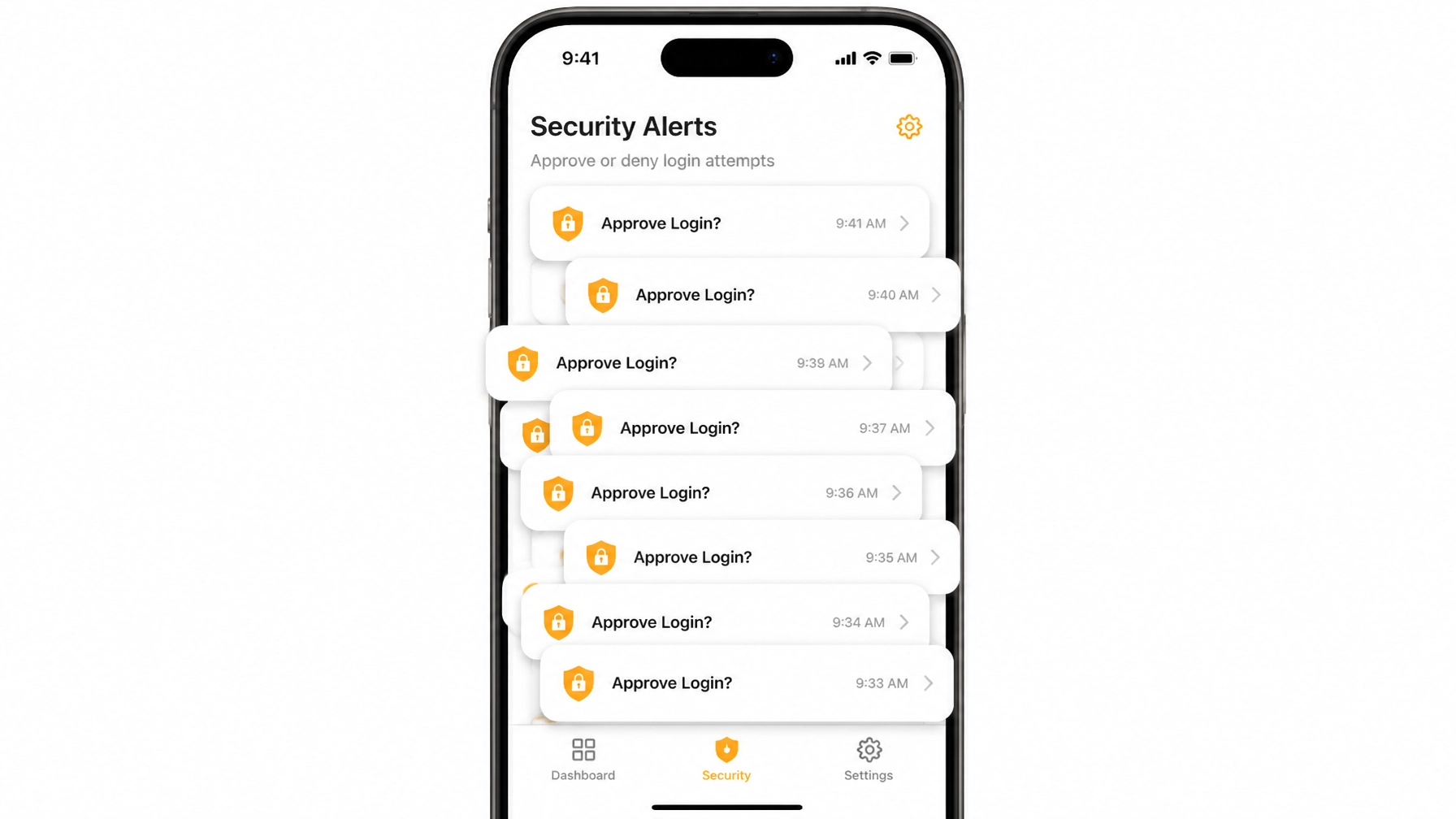
Imagine it’s 2:00 AM on a Tuesday. Your phone is on the nightstand, and suddenly, it starts buzzing. Then it buzzes again. And again. You roll over, squinting at the screen, only to see a series of notifications: "Are you trying to sign in? Approve / Deny."
You haven't touched your computer in six hours. You hit "Deny." Five seconds later, it buzzes again. Then again. Over and over, for twenty minutes. Eventually, in a state of half-asleep frustration or simply wanting the noise to stop so you can get back to your dreams of a quiet weekend at Churchill Downs, you hit "Approve."
The buzzing stops. You go back to sleep. But while you’re dreaming, a hacker is currently downloading your entire client database.
Welcome to the world of MFA Fatigue, also known as "Push Bombing." It is one of the most effective, low-tech ways sophisticated attackers are bypassing the very security tools you paid for. At Argus Cybersecurity and Support, we see this rising threat targeting Louisville businesses daily. Here is what you need to know to stay ahead of the "bomb."
Overview: What Exactly is Push Bombing?
Multi-Factor Authentication (MFA) is supposed to be your digital deadbolt. You enter a password (something you know), and then you approve a notification on your phone (something you have). It’s a great system: until hackers found the "human" loophole.
Push Bombing isn't a complex piece of code. It’s a psychological attack. The goal isn't to hack your phone; it’s to annoy you into submission. Attackers rely on the fact that humans are naturally inclined to clear notifications and stop irritating noises. They "bomb" your device with dozens, or even hundreds, of push notifications until you click "Approve" just to make it go away.
How it Works: The Anatomy of the Fatigue Attack
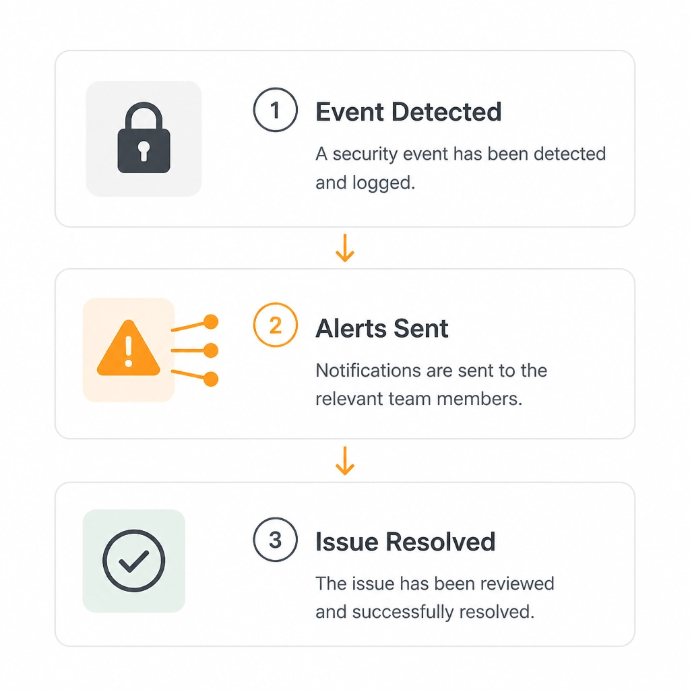
For a push bombing attack to work, the "relentless" attacker only needs one thing to start: your password.
- The Compromise: Hackers get your password through a leak (like the thousands of data breaches that happen every year) or a clever phishing email.
- The Entry Attempt: The attacker enters your credentials into your email or company portal. Your MFA system does its job and sends a push notification to your phone.
- The Bombardment: When you hit "Deny," the attacker immediately tries again. And again. They might send 50 requests in 10 minutes.
- The Surrender: Eventually, the victim assumes it's a technical glitch or gets so frustrated by the constant buzzing that they hit "Approve."
- The Breach: The attacker is in. They immediately change your security settings, add their own devices, and begin their work: all while you think you just "fixed" a buggy app.
Business Relevance: Why SMBs are the Perfect Target
You might think, "Why would a hacker care about my accounting firm in St. Matthews?"
The truth? Sophisticated attackers love small to mid-sized businesses. Why? Because you often have the same valuable data as big corporations but fewer "layered defenses" standing in the way. Whether you're in Manufacturing, Legal Services, or Real Estate, your uptime and data integrity are your lifeblood.
If a hacker gets into your Microsoft 365 or Google Workspace account via an MFA fatigue attack, they don't just see your emails. They see your invoices, your payroll, and your clients’ private information. Most policies now require properly configured MFA. If you "approved" a hacker's entry, your insurance company might argue you didn't exercise "reasonable care," leaving you to foot the bill for the recovery.
Four Ways to Defuse the MFA Bomb
As a leading provider of managed IT services in Louisville, we don't just wait for things to break. We build walls that attackers hate. Here are four ways to stop push bombing in its tracks:
1. Number Matching (The "Smart" Defense)
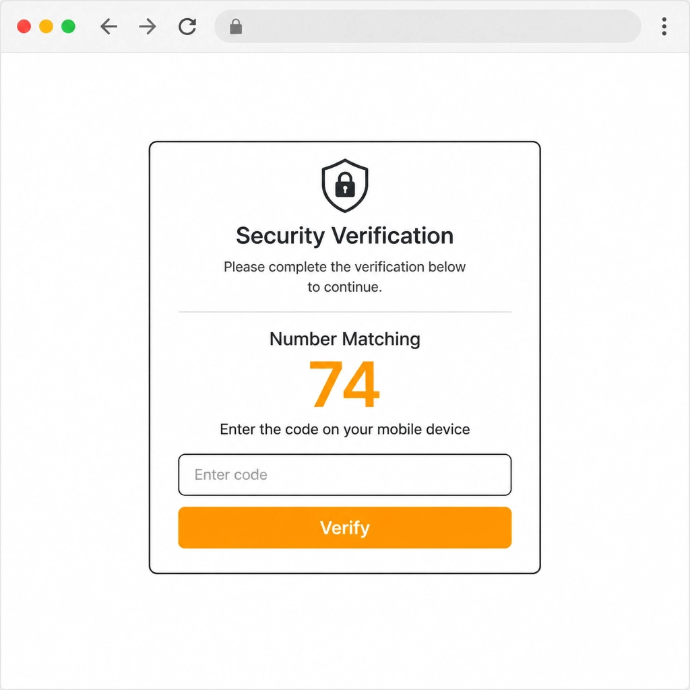
The biggest weakness of standard push MFA is that it's too easy to click. Number Matching changes the game. Instead of a simple "Approve" button, the login screen displays a 2-digit number. You have to type that specific number into the app on your phone to get in. If you aren't sitting at your computer, you don't know the number, so you can't accidentally approve the login. It turns a passive click into an active verification.
2. Rate Limiting and Lockouts
Your security system should be smart enough to know that 50 login attempts in five minutes isn't "normal behavior." We help businesses set up Conditional Access policies that automatically block accounts after too many failed MFA attempts. This stops the "bomb" before it even reaches your pocket.
3. Employee Education: "If You Didn't Trigger It, Deny It"
Technology is only half the battle. Your team needs to be trained to recognize the signs of a fatigue attack. Our cybersecurity training programs teach employees a simple rule: If you didn't just type your password into a screen, every MFA prompt is a red alert. Hit deny, lock your phone, and call your IT partner immediately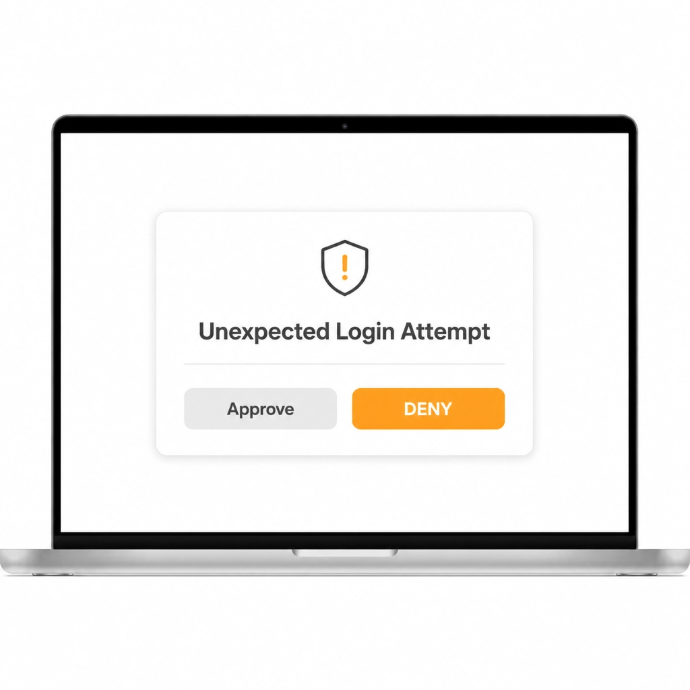
4. Hardware Security Keys (FIDO2)
For high-risk accounts, like your CFO or IT Admin, we recommend moving away from phone-based push notifications entirely. Hardware keys (like YubiKeys) require you to physically touch a USB device plugged into your computer. No "push," no "bombing," no problem.
The Argus Shield: 24/7 Vigilance
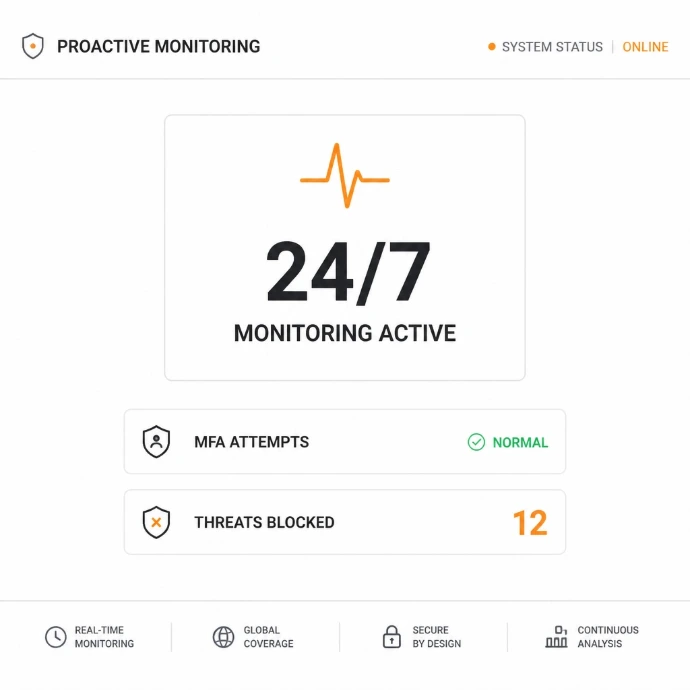
At Argus Cybersecurity and Support, we operate with a "vigilant protector" mindset. We know that attackers are relentless, which is why our 24/7 threat detection never rests. We don't just "set and forget" your MFA; we monitor for unusual patterns, like "impossible travel" (logging in from Louisville and London at the same time) or suspicious MFA volume.
The bottom line: Cybersecurity isn't a product you buy; it's a posture you maintain. If your current IT setup leaves you feeling exposed to "accidental" breaches, it's time for a change.